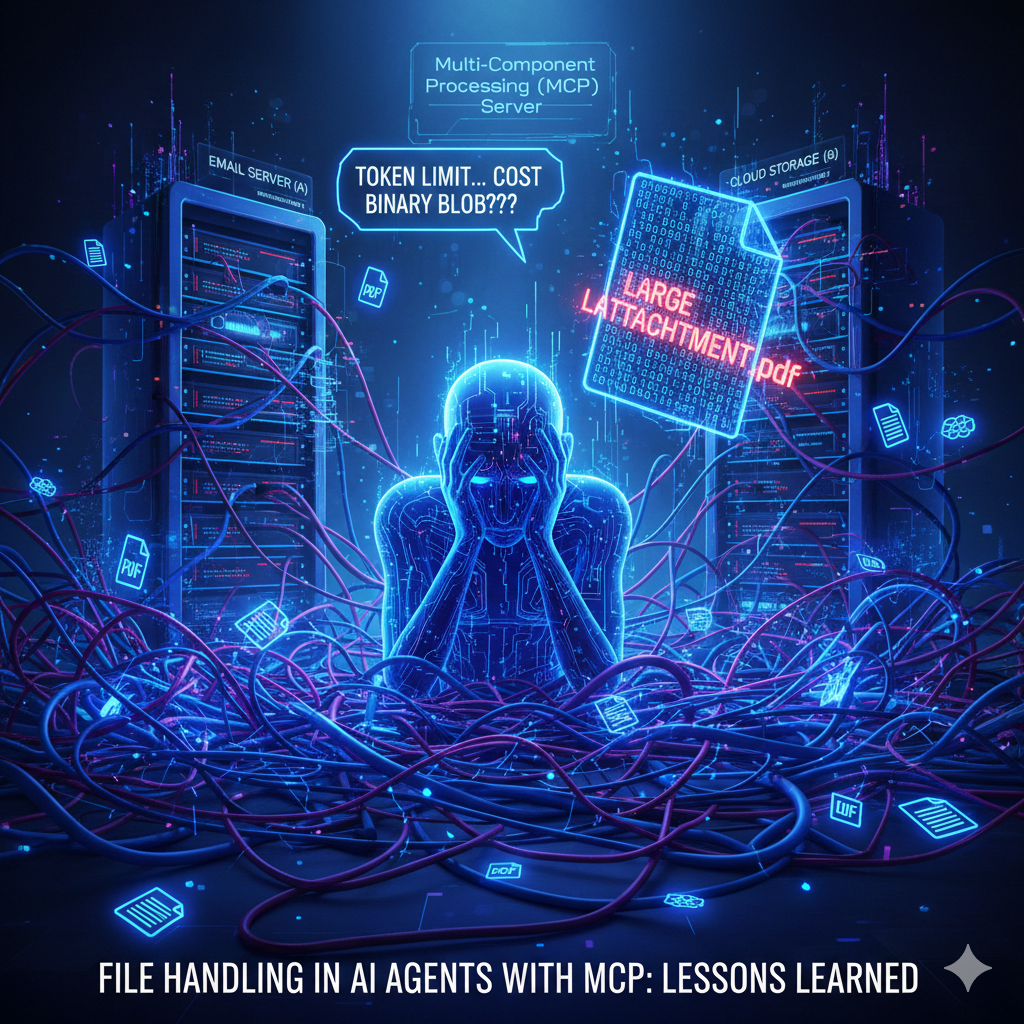
Working with files in AI agents that use MCP servers looks straightforward at first. In reality, it’s one of those areas where everything almost works… until you try to do something real.
I ran into this while building and testing my AI agent tool, CleverChatty. The task was trivial on paper: “Take an email attachment and upload it to my file storage.” No reasoning, no creativity, just move a file from point A to point B.
And yet, this turned out to be surprisingly painful.
The root of the problem is how most AI agent workflows are designed. Typically, every MCP tool response is passed through the LLM, which then decides what to do next. This makes sense for text, metadata, and structured responses. But it completely falls apart once files enter the picture.
If an MCP server returns a file, the “default” approach is to pass that file through the LLM as well. At that point, things get ugly. Large files burn tokens at an alarming rate, costs explode, latency grows, and you end up shoving binary or base64 data through a system that was never meant to handle it. This is a known issue with large MCP responses, but oddly enough, I couldn’t find any clear guidance or best practices on how to deal with it.
Big agentic systems like Claude obviously have a solution. They just don’t talk about it. What i know is that they store big MCP responses to a disk and then use internal tools to scan it. This is not about files, but for any big responses. As for files i didn't find any information.
So I started experimenting.
Best option - do not download or upload files at all from your AI agent
The cleanest solution I found is also the simplest in principle: don’t move file contents through the agent at all. If your MCP servers can work with direct download links, that’s ideal. Instead of returning the file itself, a server returns a secure HTTP link. The agent passes that link to another MCP server, which downloads the file directly. The LLM never sees the file, and the agent doesn’t have to touch it either. The data flows directly from one service to another, exactly how it should.
If the agent actually needs to inspect the file—say, extract text from a PDF or run OCR—it can download it locally and only send the extracted text to the LLM. That keeps token usage sane and avoids unnecessary complexity.
Unfortunately, this approach isn’t always possible. Most MCP servers today don’t support direct download links, and adding that support often means extra infrastructure, authentication, and hosting. In practice, you can’t rely on this being available everywhere.
Alternative - store a file in a temp cache
Since I couldn’t find a documented solution, I had to invent one. This is what I ended up implementing in CleverChatty, and I suspect other agentic systems do something similar under the hood.
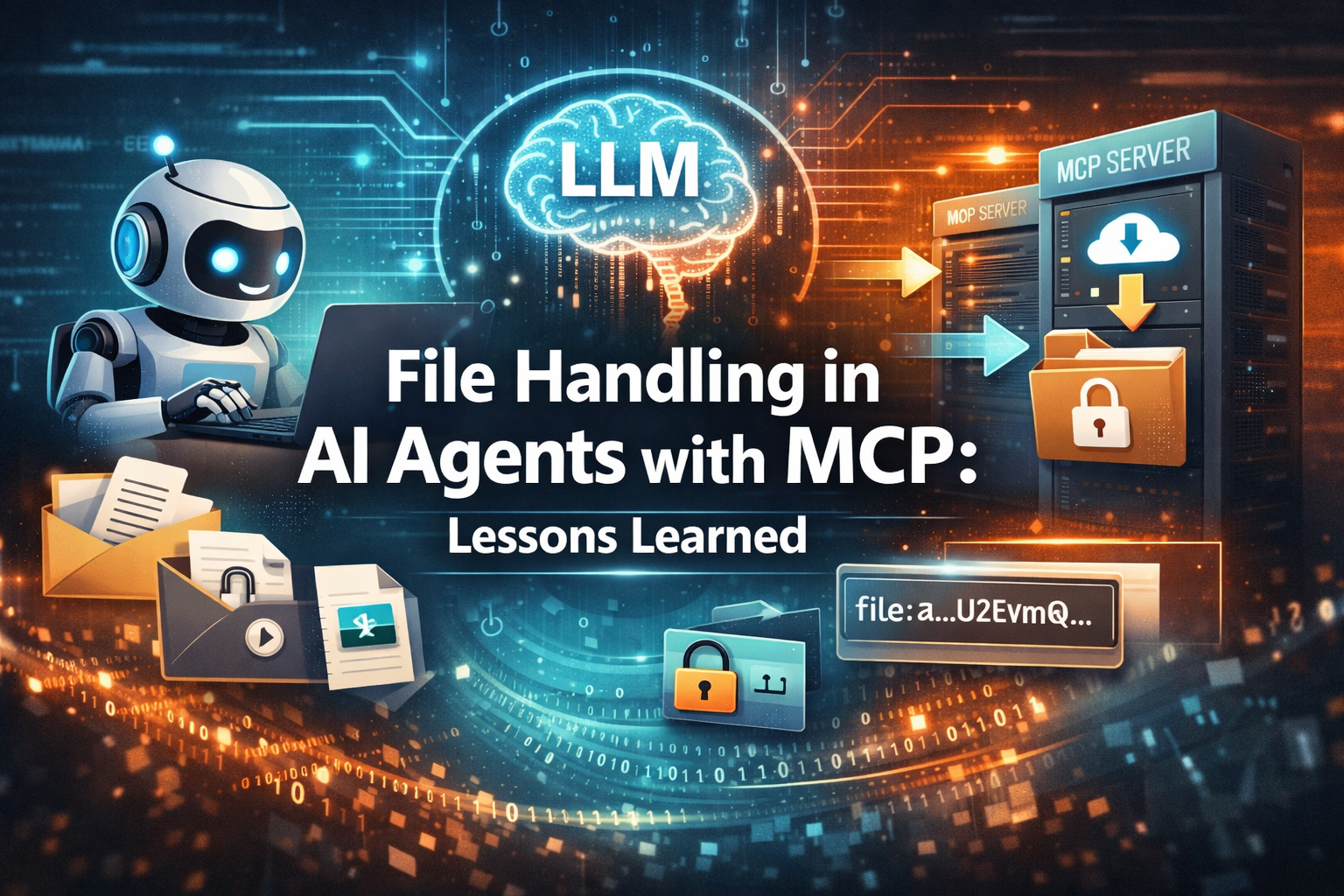
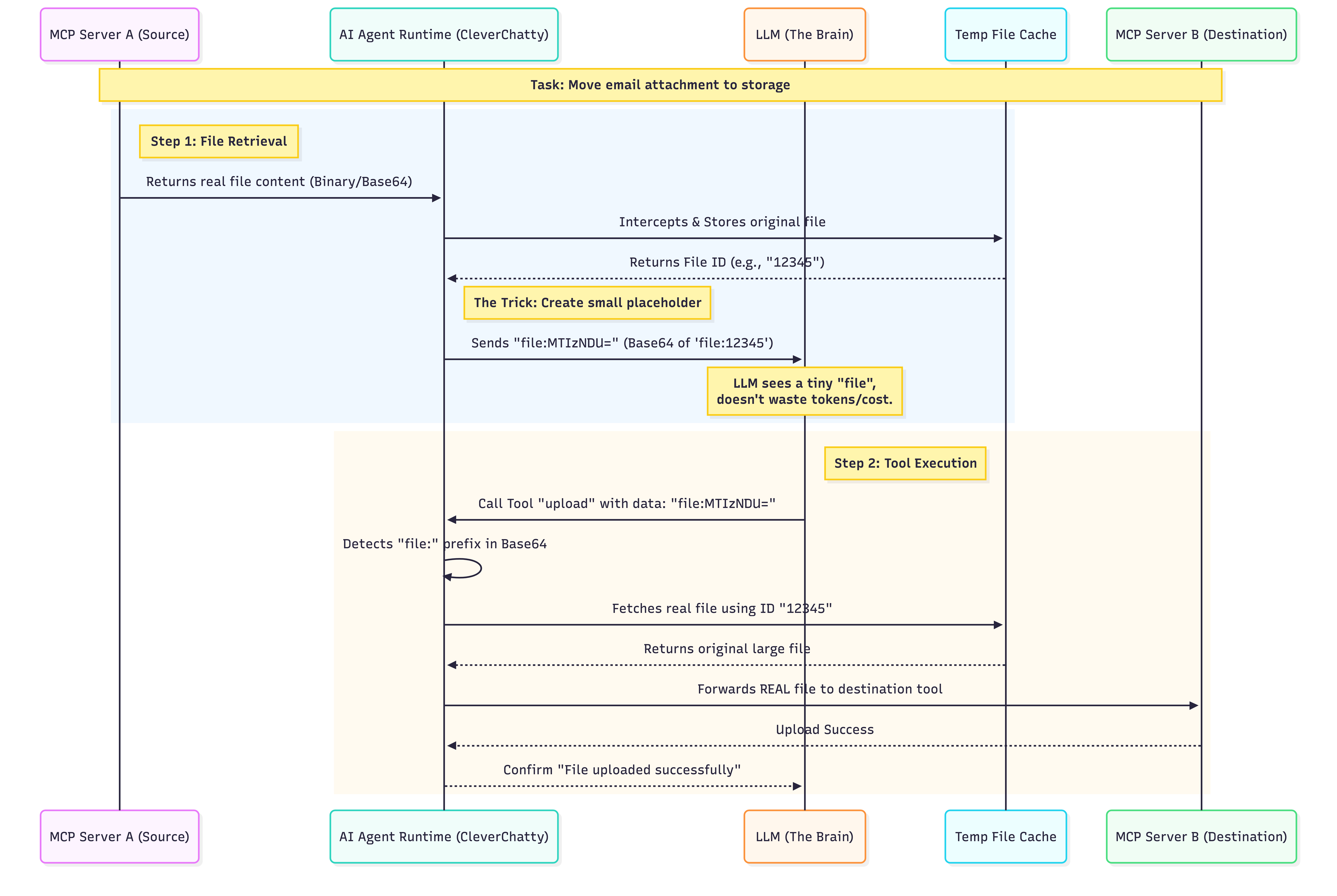
The idea is a simple file cache inside the agent runtime. When an MCP tool returns a file, that file is stored in the cache instead of being passed to the LLM. The LLM receives a placeholder instead—a reference to the cached file. Later, when the LLM decides that this file should be sent to another MCP server, it sends that reference back. CleverChatty recognizes it, pulls the real file from the cache, and forwards it directly to the target tool. The file content never goes through the LLM, but from the agent’s point of view, everything still “just works.”
Getting this right took a few iterations.
My first attempt was very explicit. I replaced the file with a JSON object saying something like, “This is a reference to the original file, use this ID to send it to other tools.” That seemed reasonable, but LLMs did not agree. Sometimes they forwarded the JSON as-is. Sometimes they extracted the file ID and tried to fetch a file with that name from some unrelated MCP server. Sometimes they did something even stranger. It was unpredictable and fragile.
What finally worked was a small trick. Instead of a JSON structure, I replaced the file content with a short string like file:<file-id>, base64-encoded. Including the file: prefix inside the base64 was important. To the LLM, this looks like perfectly normal base64-encoded file content—just a very small file. Because of that, the model doesn’t try to interpret it or reason about it. It simply passes it along to the next tool.
On the agent side, I decode the base64, detect the file: prefix, extract the file ID, and retrieve the real file from the cache before sending it to the MCP server that actually needs it. After this change, the workflow became boring in the best possible way: no confusion, no hallucinations, no wasted tokens.
If you want to see this working end to end, I’ve included real examples in this post: https://gelembjuk.com/blog/post/using-mcp-push-notifications-in-ai-agents/
In that example, I ask my AI assistant to fetch email attachments and upload them to file storage. The interesting part isn’t the task itself—it’s that the file contents never pass through the LLM, yet the agent completes the workflow without any special prompting.
File handling is one of those details that exposes the limits of the “everything goes through the LLM” mindset. For text, it’s great. For files, it’s a trap. Treating files as opaque assets rather than text blobs makes AI agents faster, cheaper, and far more reliable.
Very big files
In case of really big files the problme can be more complex. But i think AI agent should not care about this at all. Best approach would be to have some skill teaching the agent how to handle big files transfers using externals tools and cli commands like rsync etc. I think AI agent should not do this itself.
If you’re building MCP-based agents and have tackled this problem differently, I’d be genuinely curious to hear how you approached it.